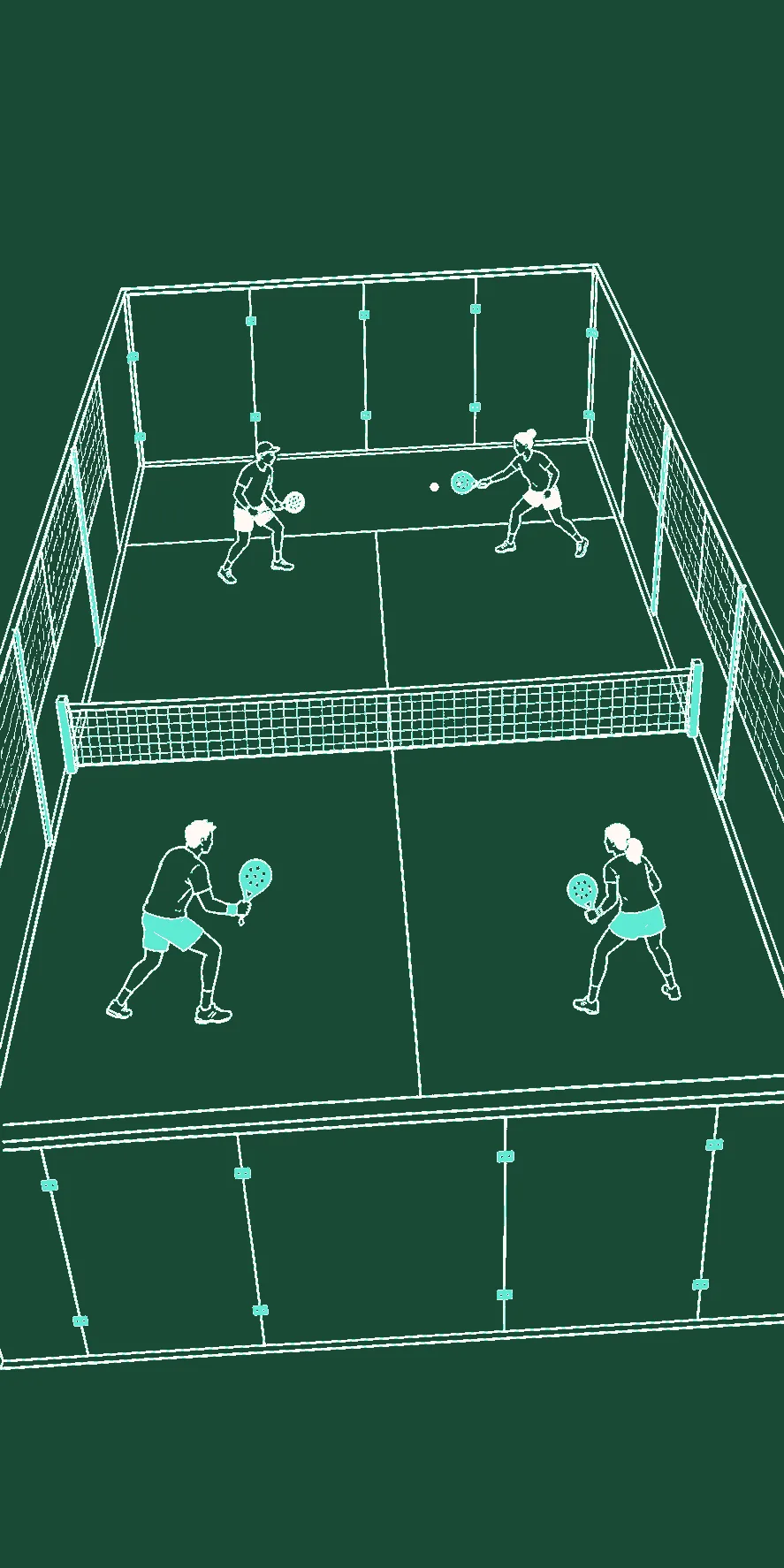
FOM’s match link gives the group one read-only browser view instead of routing every score question back to the host. A viewer does not need a FOM account or an installed app. The host does need to be signed in to create and update the public snapshot.
How it works
From an active match, the host creates a URL such as /m/{shareId}. The viewer subscribes to that shared document and sees the latest synchronized tournament snapshot: current court assignments, recorded scores, official standings, and Hall of Shame when enabled.
“Live” here means the viewer receives a saved snapshot when the host writes one. It does not mean every local score tap is sent remotely:
- Americano and Mexicano sync around round milestones such as starting, completing, or progressing a round.
- Match Play syncs at game/set boundaries and immediately when a match completes; points inside an unfinished game can remain local until a boundary.
- Corrections to an already completed score use a short debounce before persistence and share sync.
- Finalization sends the completed result, and a published Rewind can later be attached to the same match link.
The viewer’s listener delivers those writes in real time once they exist. Network or write failures can leave the public link on its previous snapshot, so the host should check the app’s feedback rather than assume the remote view is current.
Why it’s a big deal
- Read-only by design. Viewers can follow but cannot edit the host’s match through the link.
- No viewer account step. A browser is enough to open a valid match URL.
- One shared reference. Players at the venue and people elsewhere see the same last-synced snapshot.
- Clear sync expectations. The group knows that an in-progress point-based round may not appear remotely until the host reaches the next milestone.
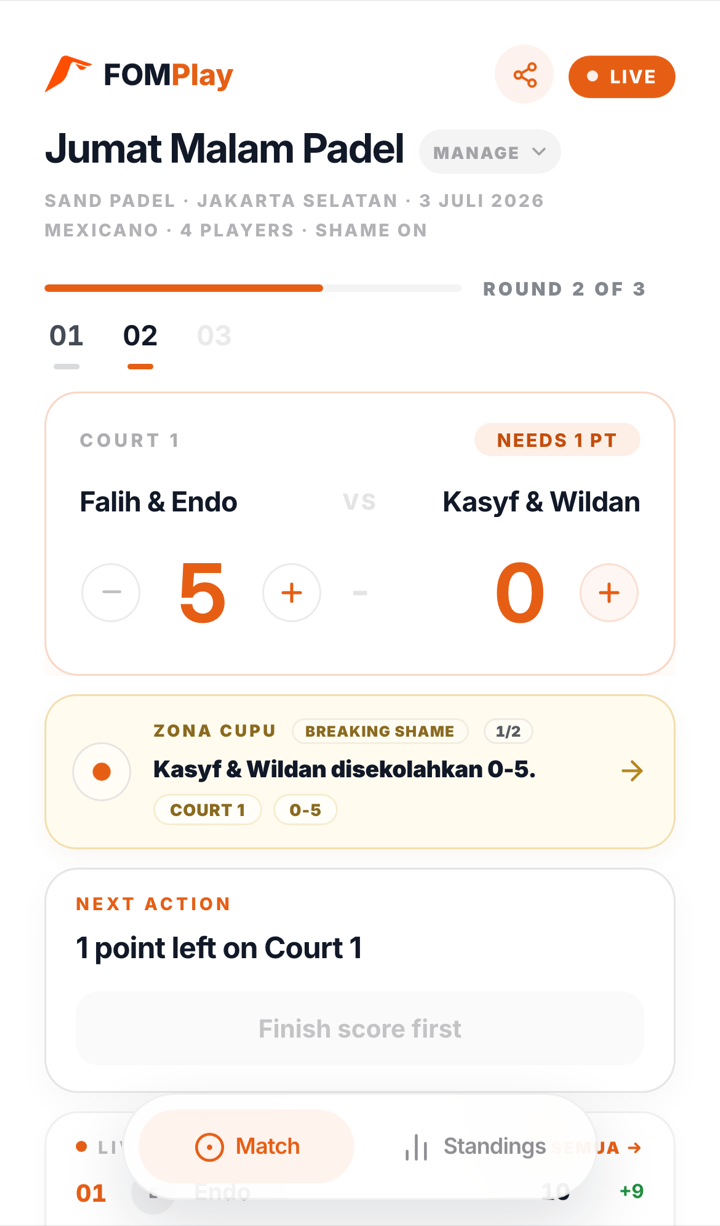
Treat the link as viewable by anyone who has it
Shared match documents allow unauthenticated reading by link. That makes the URL convenient, but it also means it should not contain information the group considers private. Send it to the intended audience and assume it can be forwarded.
Room visibility is a different control for scheduled Rooms: Private, Friends, or Public affects Room discovery and access. It should not be used as a promise that an already-created match-view link requires viewer authentication.