
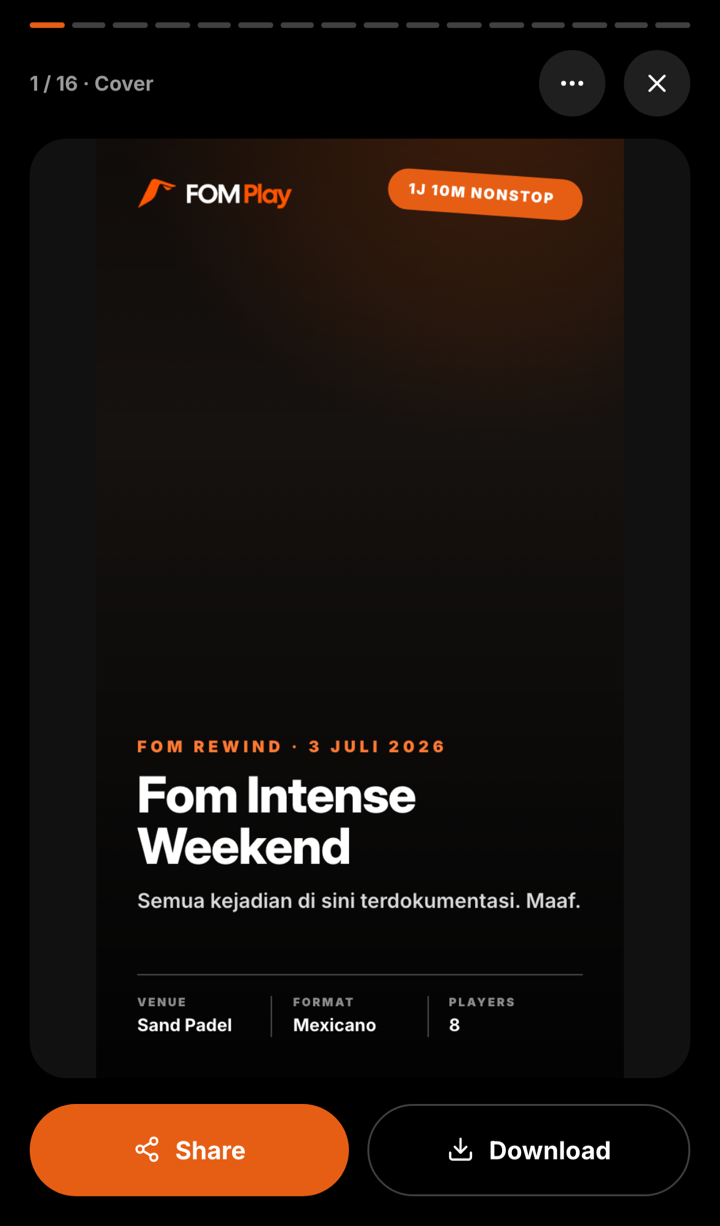
After a match is finalized, FOM Rewind can turn its recorded results into a set of image slides for story (9:16) or feed (3:4). It is a recap generator, not a second scoring system: every claim on the slides comes from the saved session data and the optional photos selected on that device.
What’s in a Rewind
FOM builds a conditional deck, so not every session gets the same slides. Depending on the available evidence, it can include:
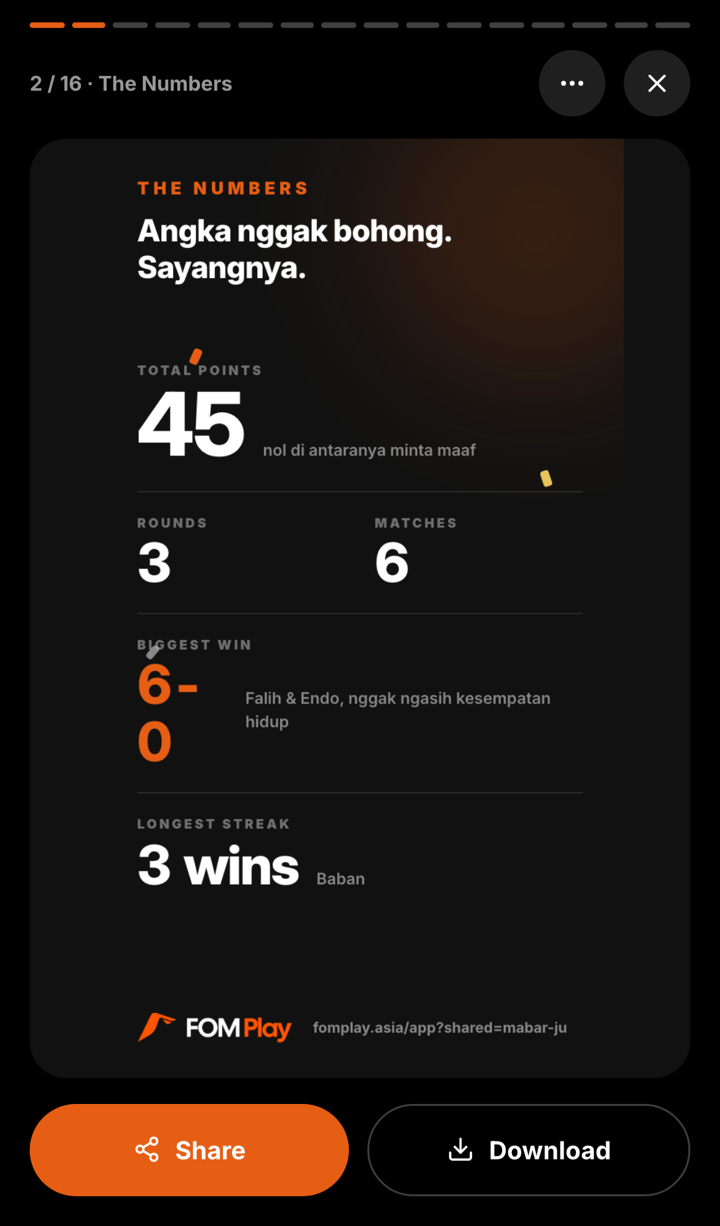
- The Numbers — total points, rounds, matches, and conditional facts such as the biggest win or longest streak.
- Podium or Champion — generated from the official standings when enough rows exist.
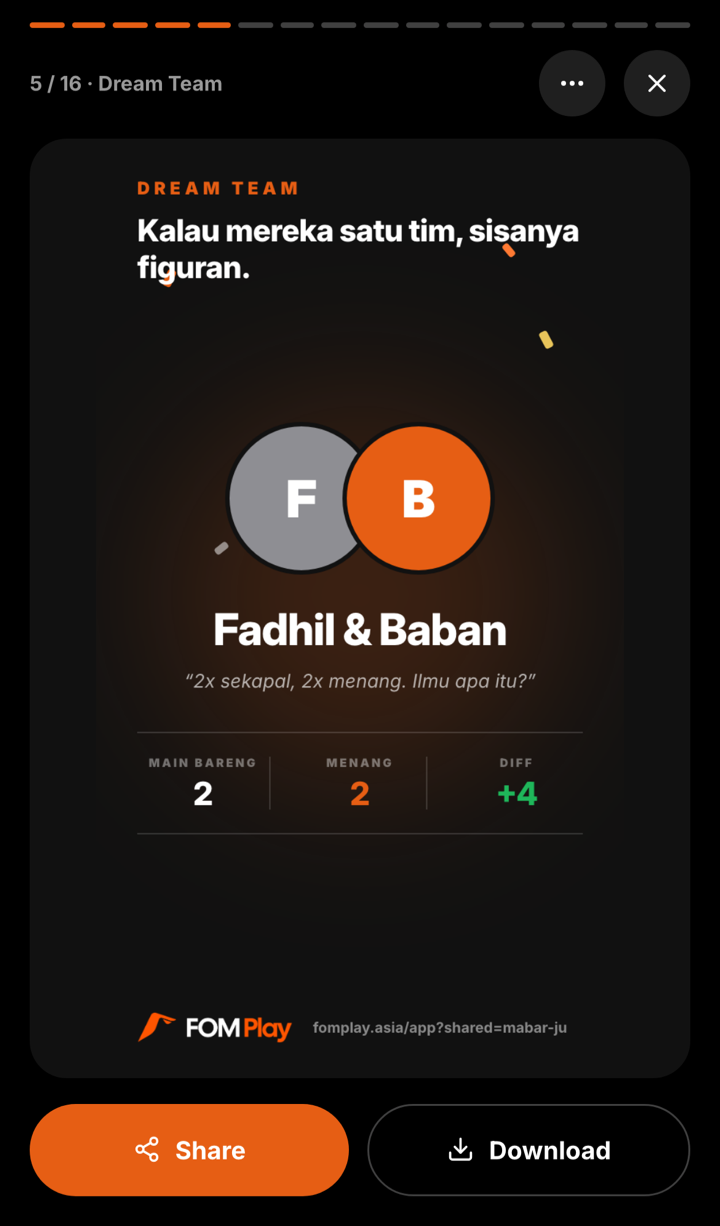
- Dream Team — only when a pair has at least two matches together and a 100% win record.
- Match of the Night — selected from completed matches, prioritizing a close margin and otherwise using the highest recorded total.
- Cupu D’Or and toxic awards — only when Hall of Shame is on and the result provides eligible evidence rather than an empty or peaceful tie.
- Photo Dump — you can select up to ten source photos; a dedicated dump slide needs at least three non-cover photos and uses up to three of them.
- Full standings, an optional personal My Card, and an outro — added according to the viewer and saved data.
How to make one
- Finish the match so it has an ID, final scores, and official standings.
- Open the FOM Rewind prompt or banner on the final standings screen.
- Optionally select up to ten photos and choose a cover. The source files are processed locally in the browser and are not uploaded as source-photo files.
- Choose Story or Feed and generate. Rendering time depends on the device, browser, slide count, and images.
For an authenticated host or eligible registered participant creating the first Rewind, FOM publishes the rendered public slide images to the match so people with its link can replay them. A personal My Card is excluded from that public deck. This distinction matters for privacy: source photos stay local, while the rendered slides that contain them can be uploaded and shared.
Share it
Swipe or tap through the generated slides. You can download a slide, use the device’s native share sheet when supported, or download the deck. FOM cannot guarantee that a browser will post directly to a specific social app or that the group will share any particular slide.
If publishing fails, the generated version can still exist on the current device for download while the match link remains unchanged. Check the save message before telling the group that Rewind is already available from the shared match.