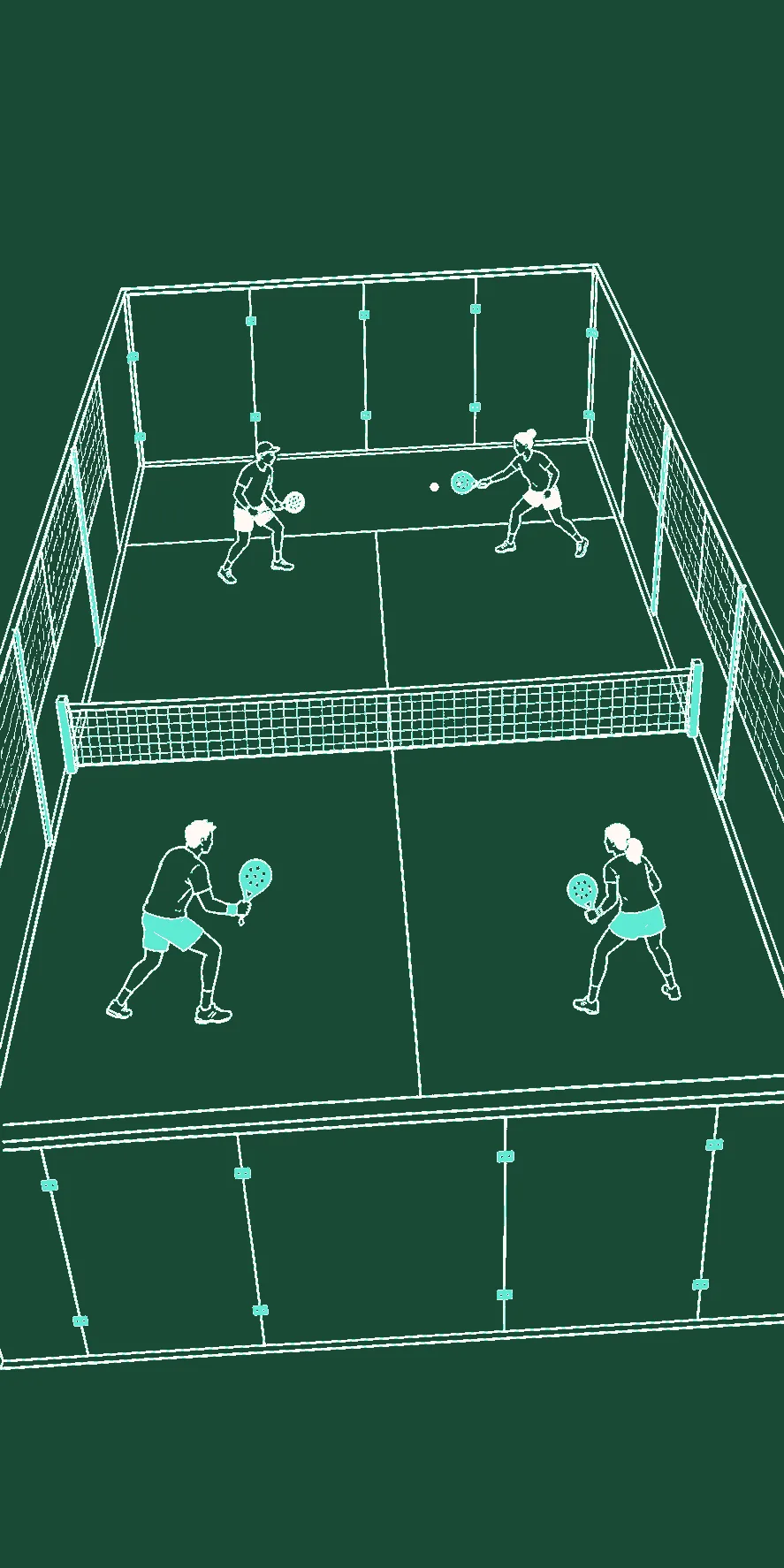

Rooms collects the planning data for one scheduled padel session: who is invited or joined, what match setup will be used, what the public price is, and which payments the host has marked as paid. It reduces scattered admin, but it does not book a court, collect money, or chase players automatically.
What a Room is
A Room is a scheduled session record, not an automatic recurring-event engine. The host sets its title, description, date and time, venue, player capacity, and one of three visibility levels:
- Private — hidden from discovery and intended for direct sharing.
- Friends — visible to the host’s FOM friends while they are signed in.
- Public — listed with upcoming public Rooms.
Participant states include invited, joined, declined, and removed. A public viewer can read a Public Room, but joining an open spot requires signing in.
Setting one up
- Create a Room and give it a name, schedule, venue, capacity, and visibility.
- Invite FOM friends or add manual participants. Keep an eye on who is invited and who has joined.
- Configure the match format, partner mode, courts, rounds, scoring, and optional Hall of Shame.
- When enough joined players are available, the host starts the Room and FOM creates the match draft from that setup.
Splitting the bill
Pricing and finance tracking are optional. The host enters the court cost per court, court count, ball cost, and a public player price. FOM calculates total host cost and creates an amount due for joined participants:
- players marked as Friend split the court and ball cost evenly;
- the host can choose whether to join that friend split;
- players marked as External use the configured public price instead;
- the host can mark each participant paid or unpaid and review collected, unpaid, projected-profit, and realized-profit totals.
That is a tracking ledger. FOM does not currently process the payment or verify that a transfer reached the host. “Fair” is also a host decision: check the Friend/External classification, host inclusion, participant list, and price before sharing the amount.
Why it keeps the group together
Rooms give the host and players one reference for the schedule, lineup, price, and match entry point. They cannot guarantee attendance or payment, but they make the current state inspectable. For a weekly game, create the Room for the next session, confirm the joined list and finance rules, then launch the configured match when the group is ready.